
3D Rooftop Design
Solar Design Studio
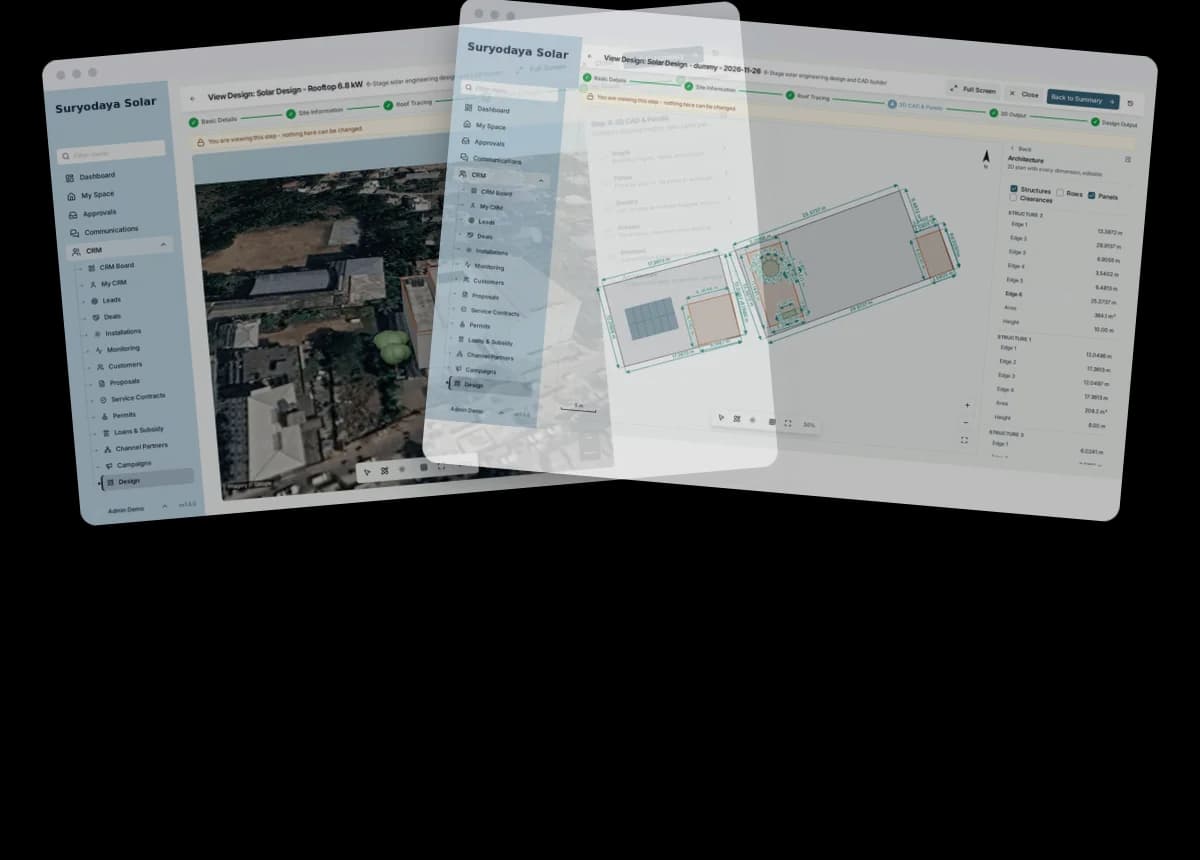
Draw the rooftop on satellite imagery, place the panels, check the shade and show your customer in 3D. Then link the design to a proposal for the same deal.
Free 30-minute walkthrough · reply within 1 working day
01Key capabilities
What it does.
- 01Pick the Customer and Deal
- 02Trace the Roof and Mark Obstructions
- 03Place Panels and Check the Shade
- 04Save the Report and Link It to a Proposal
At a glance
- Runs in the browser
- 3D roof view
- PDF design report
- 01
Trace buildings on satellite imagery in a 3D view, with flat, shed, gable and hip roofs.
- 02
Mark water tanks, trees, chimneys, parapets and other obstructions.
- 03
Set tilt and row spacing, and place panels automatically or by hand.
- 04
Move the sun by date and time to see where shadows fall.
- 05
Shade analysis showing loss by month and by panel zone, with estimated yearly generation.
- 06
Yearly shading heat map across the panels.
- 07
A flat 2D architecture plan with dimensions, where you can edit edge lengths.
- 08
Printable design report as a PDF.
- 09
Share a 3D view link that your customer opens in a browser.
- 10
The deal’s site survey fills in the site location and shows its figures beside your design.
- 11
Link the design to a proposal, which picks up the panel quantity and 3D view.
- 12
A QR code in the standard proposal PDF opens the 3D design on your customer’s phone until the proposal expires.
Do I need CAD experience?
No. You work through guided steps in the browser. A little practice with the 3D view helps.
Can customers see the 3D design?
Yes. Share the view link, or let them scan the QR code in the proposal. It opens in a browser with nothing to install.
Does a proposal need a design?
No. You can price a job without one and link a design later.
Does the shade analysis include one row of panels shading another?
No. It covers shadows from buildings, roofs, parapets and the objects you place. Use the row spacing setting to keep rows clear of each other.
What does my computer need?
A current browser with 3D graphics (WebGL) turned on. Some locked-down office computers switch it off.
Does the design set the full price?
No. The design gives the panel quantity. You pick the other items and prices in the proposal.
See it running on your own operations
A 30-minute walkthrough. Bring a recent quote, your stock sheet or a job that is stuck.
Free 30-minute walkthrough · reply within 1 working day