Know Where Your Money Is
Bank & Cash Accounts
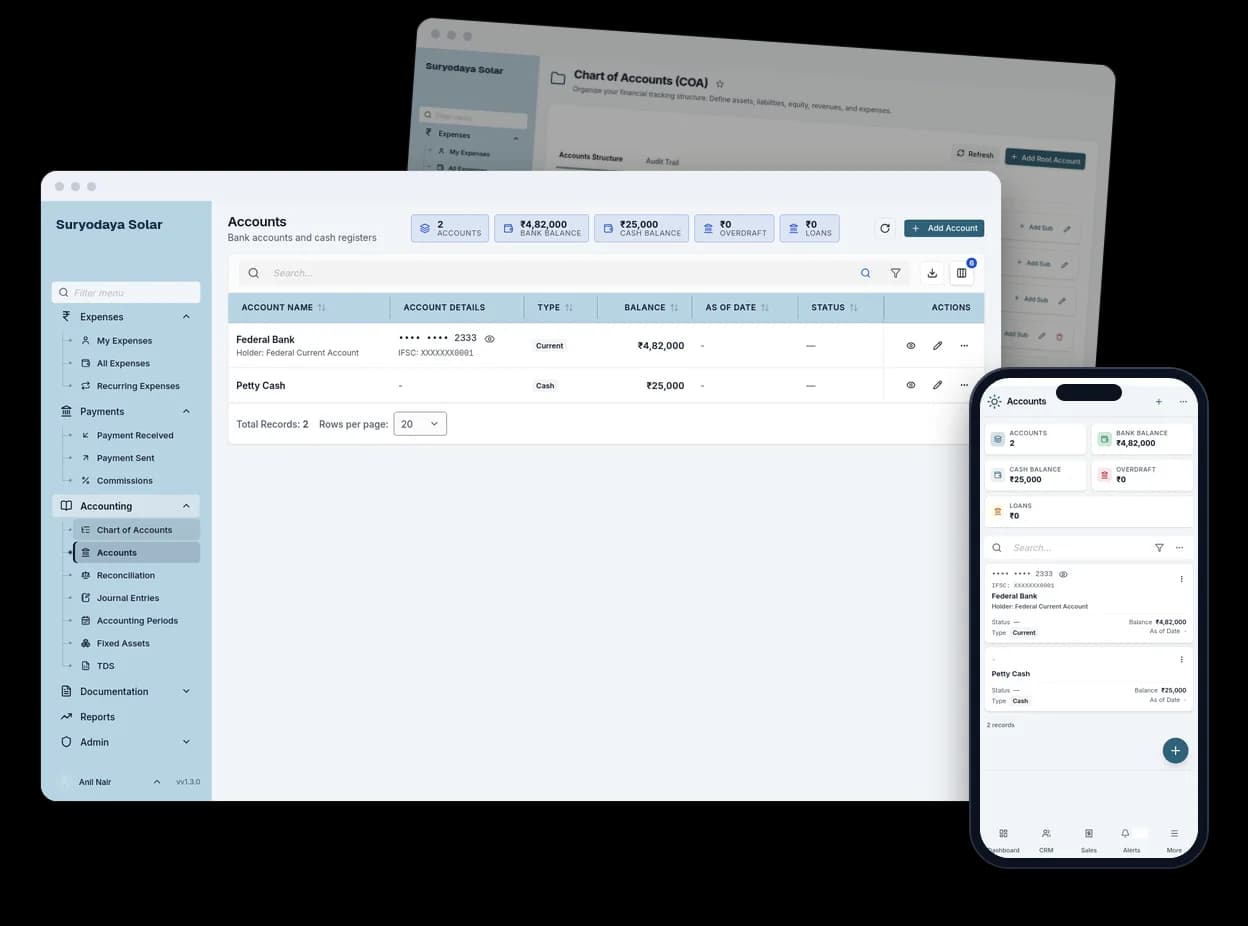
Keep all your company bank and cash accounts together, choose which one each payment mode uses, and see the book balance of each.
Free 30-minute walkthrough · reply within 1 working day
01Key capabilities
What it does.
- 01Add each bank and cash account
- 02Set which account each payment mode uses
- 03Record payments and transfers
- 04Reconcile and check the balance
At a glance
- Bank and cash accounts
- Primary account per payment mode
- Ledger-linked balances
- Permission-based access
- 01
Current, savings and cash-in-hand accounts in one list.
- 02
Set a primary account for cash, bank and UPI payments.
- 03
Each account is linked to its own ledger account in your books.
- 04
Book balance for each account, with the items still to be reconciled.
- 05
Checks the IFSC format when you add an account.
- 06
Save the company UPI ID for each account.
- 07
Record transfers between your own accounts, and bank charges, when bank ledgers are switched on in settings.
- 08
Mark a bounced cheque and the books are put right, when bank ledgers are switched on in settings.
- 09
Only people with permission can see bank balances.
02Get paid & keep the books
Works alongside
Can we manage more than one bank account?
Yes. Add your savings, current and cash accounts, and mark the primary one for each payment mode.
How is the account chosen for a payment?
By payment mode. Cash goes to the primary cash account, bank and cheque to the primary bank account, and UPI to an account with a UPI ID.
Does evo7 pull transactions from our bank?
No. You copy your statement from Excel or CSV and paste it in to reconcile.
Who can see the balances?
Only people you give the permission to.
See it running on your own operations
A 30-minute walkthrough. Bring a recent quote, your stock sheet or a job that is stuck.
Free 30-minute walkthrough · reply within 1 working day